
Resources
SDS binder cover and index for the products on your shelves
Three printable parts, a cover page, a product list and a tab layout, for your building’s binder of safety data sheets, so the right one turns up in seconds rather than after a search.
Printable template
An SDS binder anyone finds fast
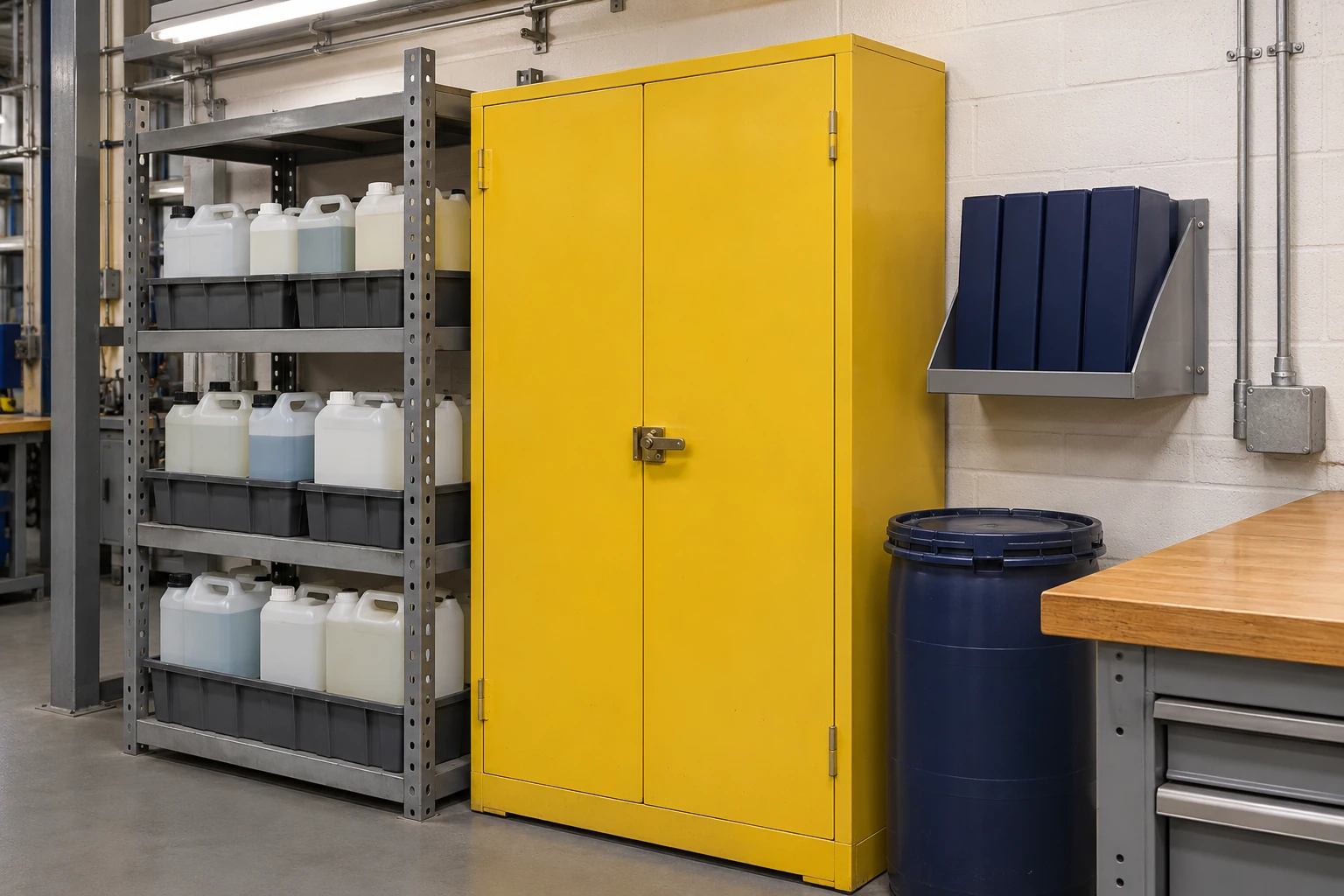
Someone splashes cleaner on a sleeve, or a delivery arrives with a jug nobody recognizes, and the question in the room is always the same: where is the sheet for that product? An SDS binder is the answer. It is one binder, kept in one known place, holding a safety data sheet for every cleaner, polish, degreaser and maintenance product stored on the property, from the glass spray in the janitor’s closet to the jug on a back-room shelf.
The sheets themselves usually exist. They come in with shipments, get filed in three different places and end up in a drawer nobody opens. The printable here adds the three pieces that make a binder usable, a cover page, a product list and a tab layout, so every sheet sits in a known order and whoever needs it can put a finger on it fast.
Only your own hazard-communication program can say what your workplace needs; ask whoever runs it to look over this setup before the binder goes up. This kit only helps you organize what goes inside.
The cover: whose binder it is and where it lives
Page one of the kit is a cover block with five short fields. They look minor, but a binder without a name drifts onto someone’s desk, and a review date shows straight away how fresh the contents are.
- Facility: the building name or suite, so binders from two sites never get mixed up
- Binder location: a precise spot, for instance the second shelf inside the supply room
- Kept by: whoever adds and pulls sheets, by name or job title
- Last reviewed: the date of the latest full pass through the binder
- Tab method: how the sheets are divided, so new ones get filed the same way
A building with storage on more than one floor may find a small binder per storage area easier than one thick one. Each gets its own cover naming its own location.
The product list, one row per product
Behind the cover comes the list, a table with one row for every product on site. Across the top run Name on the label, Made by, Rooms or areas, Date on sheet and Divider. Copy each name exactly from the container, since the container is what someone will have in hand when they come looking.
Rooms or areas is the heading that pays off later. Writing “restrooms, second floor” or “breakroom” beside a product shows which rooms a change would touch, and it flags duplicates, such as two glass cleaners bought by two departments. Date on sheet is whatever date the data sheet carries, and Divider names the tab it sits behind.
The rows are left blank for handwriting. When the page fills, print another list page and carry on.
Three ways to set up the tabs
Tabs decide how quickly a sheet turns up, and the best layout follows whoever reaches for the binder most.
- Alphabetical: product names A to Z, the easiest to keep when one person looks after the binder
- By area: restrooms, breakroom, floors, exterior, so a crew lead can pull everything used in one place
- By kind of product: glass and surface sprays, floor finishes and cleaners, restroom products, maintenance and miscellaneous
Choose one, write it in the Tab method field and stick with it. The sheet’s tab group has a line to tick once every divider is labeled and every row on the list points to a real tab.
Where it sits and when it changes
Shelve the binder near the stored products, at eye level, somewhere anyone on shift can reach without a key. A manager’s office that locks at five is the wrong home if your cleaning happens at night. A bold label on the spine saves the last few seconds of looking.
From then on the binder needs attention on three occasions. A new product reaches the closet: file its sheet behind the right divider and add its row to the list on the day it is shelved. A product is discontinued: pull its sheet, strike its row and date the change. A periodic check comes due: compare the shelves with the list, item by item, and put the new date in Last reviewed, then put the binder back on its shelf.
The printable’s upkeep group turns those steps into boxes, so the review runs the same way whoever does it.
Where our crews fit
Vallejo Janitorial crews clean offices, restrooms and breakrooms on a recurring schedule. On a supply plan, our crew also mounts dispensers and keeps them filled with paper, soap, sanitizer and can liners through our janitorial supplies service. A new cleaning plan often means new products in your closet, which makes the first week of service a natural time to run the upkeep check and bring the list up to date.
Touchpoint disinfection can ride along with every recurring visit or run as extra rounds through disinfection and sanitizing, and our janitorial services page covers the recurring visits themselves. When you are ready, request a quote to book a walkthrough at no cost and get a written quote, scheduled around your building’s hours.
Common questions
Which pages make up the binder?
The kit’s cover and product list, plus your labeled dividers and the data sheets themselves. The cover holds the building, location, keeper, review date and tab method, and each sheet is filed under the divider its row names.
Is it better to divide sheets by name or by where they’re used?
It comes down to who uses it. One keeper usually finds A to Z easiest. A building where each area has its own products often does better grouping by area. Whichever you pick, record it in Tab method.
What keeps a binder current month after month?
Treat every new or discontinued product as a reason to open it, and set yourself a recurring review date on top of that. The date in Last reviewed tells the next reader how current it is.
Do we pay anything to print the kit?
No. Both the PDF and the editable Word file are free, and the download starts as soon as you click. Print extra product-list pages whenever you run out of rows.
Resources
Related guides
Want your Vallejo business clean all week?
Share the days your business is open and the spaces that need care, and we quote around them.